Getting Started
Just Drag, Drop, and Attach the block
To start constructing a program in MNL, drag a block from the toolbox to the playground area and attach it to another block. A main block (1) acts as the parent block. The main block holds the declaration block only.
 The black block with MNL on the top.
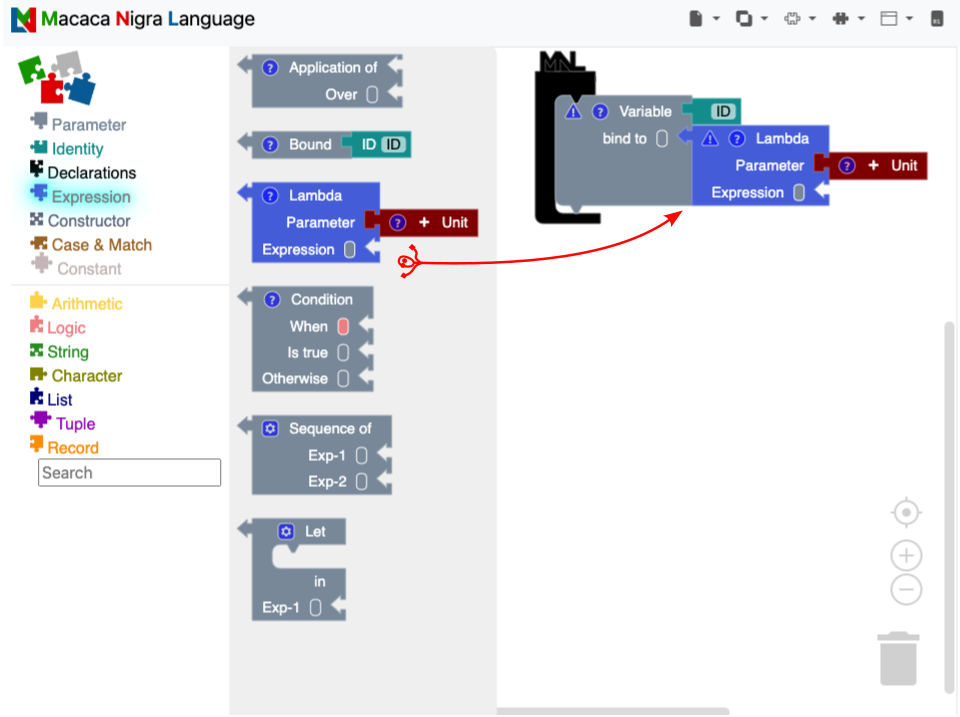
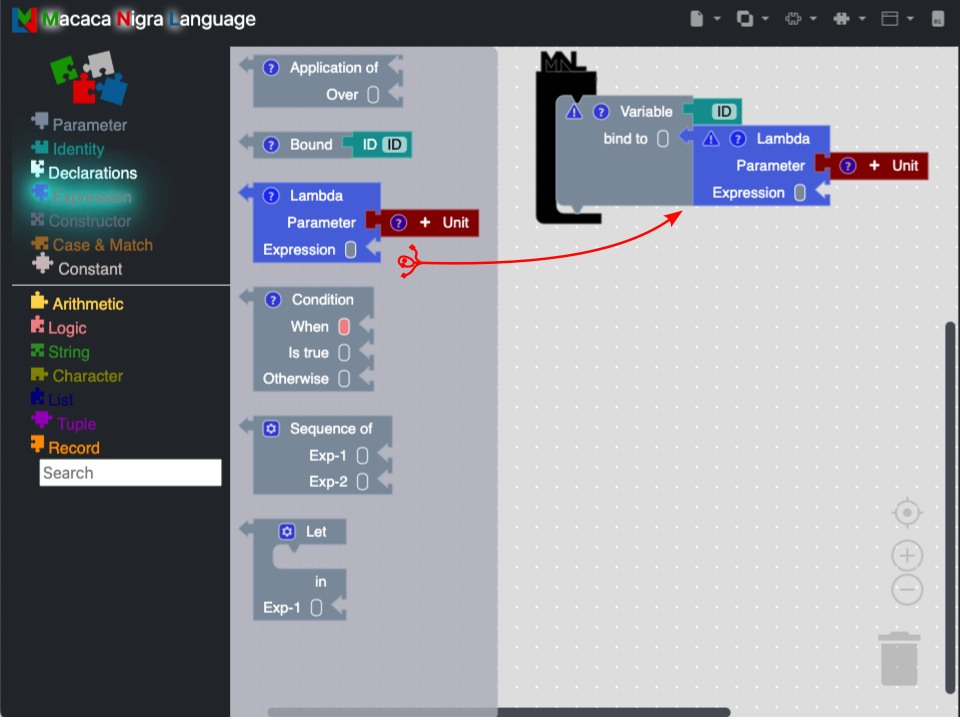
Fig. 1: Drag, drop, and attach the block
Declaration
A declaration means binding a name to a value. In MNL, there are two declaration blocks: variable and function. The function block is a simple model of binding a variable block with a lambda block.
Variable
Creating a complete variable block requires an identity block and an expression block. The example below shows how to give a variable_in_MNL name to the string MNL is easy to learn. When users need the MNL is easy to learn value, they access the bound variable by name variable_in_MNL.
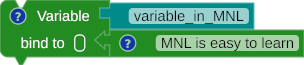
Fig. 2: Variable binding
Expression
Expression is a value. Every expression block has its value, including operators, constants, and constructors.
Operator
There are two types of primitive operators based on input: unary (1) and binary (2) operators.
- Take one input.
- Take two inputs.
Unary

Fig. 3: Boolean Operator Not

Fig. 4: Boolean Operator Not - binding
Binary

Fig. 5: Arithmetic Operator
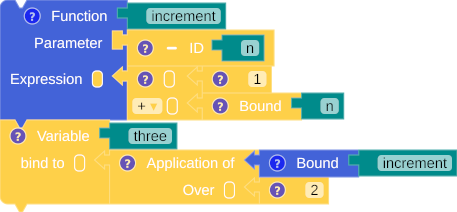
Fig. 6: Arithmetic Operator - binding
Selection
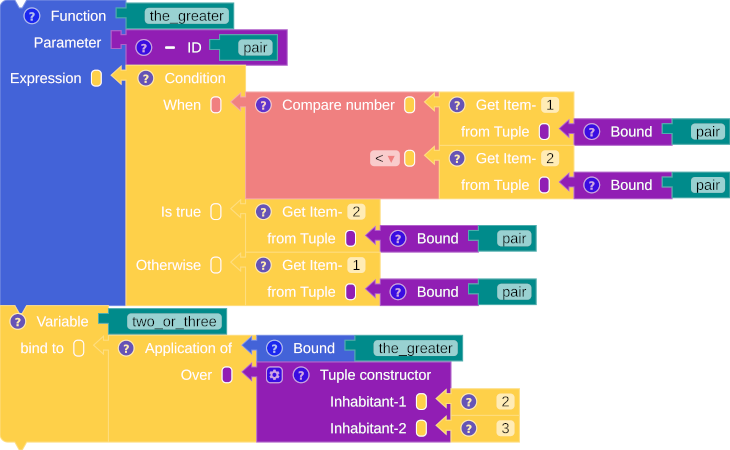
Fig. 7: Selection
Sequence
A sequence is a collection of expressions that are evaluated sequentially. The last expression is the type and value of a sequence block.
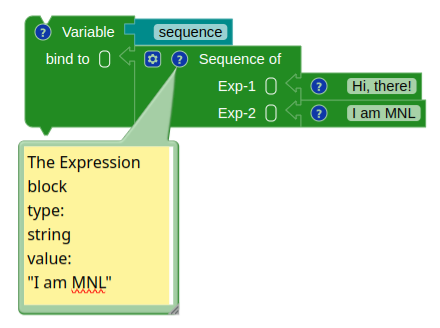
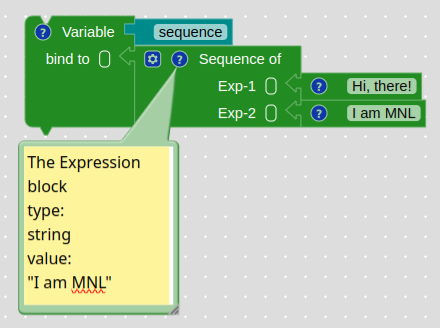
Fig. 8: Sequence
Pattern Matching
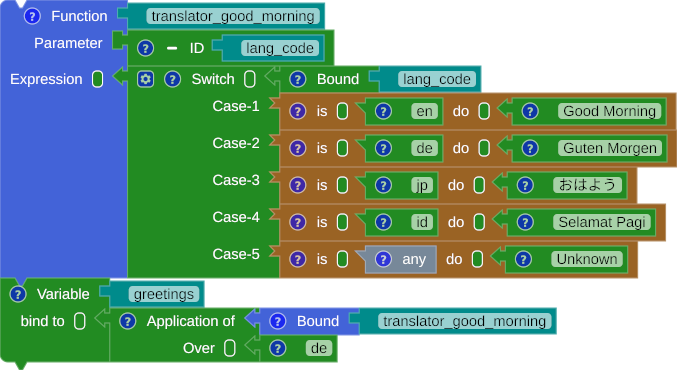
Fig. 9: Pattern Matching
Let-in
Let-in is a local binding of the declaration(s) in the expression.
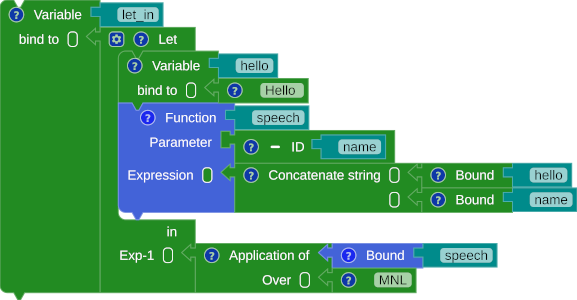
Fig. 10: Let-in